- The Legend of Zelda: Tears of the Kingdom is a popular Nintendo game loved by users, but not all have a Nintendo device to play it.
- Emulators like Ryujinx and Yuzu enable users to play Zelda Tears Of The Kingdom on PC, offering accessibility and features for a seamless gaming experience.
- Steps for playing Zelda Tears Of The Kingdom on PC using Ryujinx and Yuzu involve downloading the emulators, setting up controls, and importing game files for a lag-free gaming experience.
The Legend of Zelda: Tears of the Kingdom is one of the famous games by the company Nintendo. This is one of the famous games that is being loved by users very much. The users are very excited to play this amazing game, but they are having problems as they don’t have a Nintendo device with them. This is causing them problems in playing the game. However, there is no need to worry.
How to Play Zelda Tears Of The Kingdom on PC using Ryujinx and Yuzu

Ryujinx and Yuzu are some of the best emulators that you are going to see on the internet for help in playing the Zelda Tears Of The Kingdom on PC using Ryujinx and Yuzu. Both emulators are very famous among users because of their accessibility and features that help them play the game. We are going to list down the steps through which you will be able to understand How to play Zelda Tears Of The Kingdom on PC using Ryujinx and Yuzu . So, let’s get started.
How to Play Zelda Tears Of The Kingdom on PC using Ryujinx
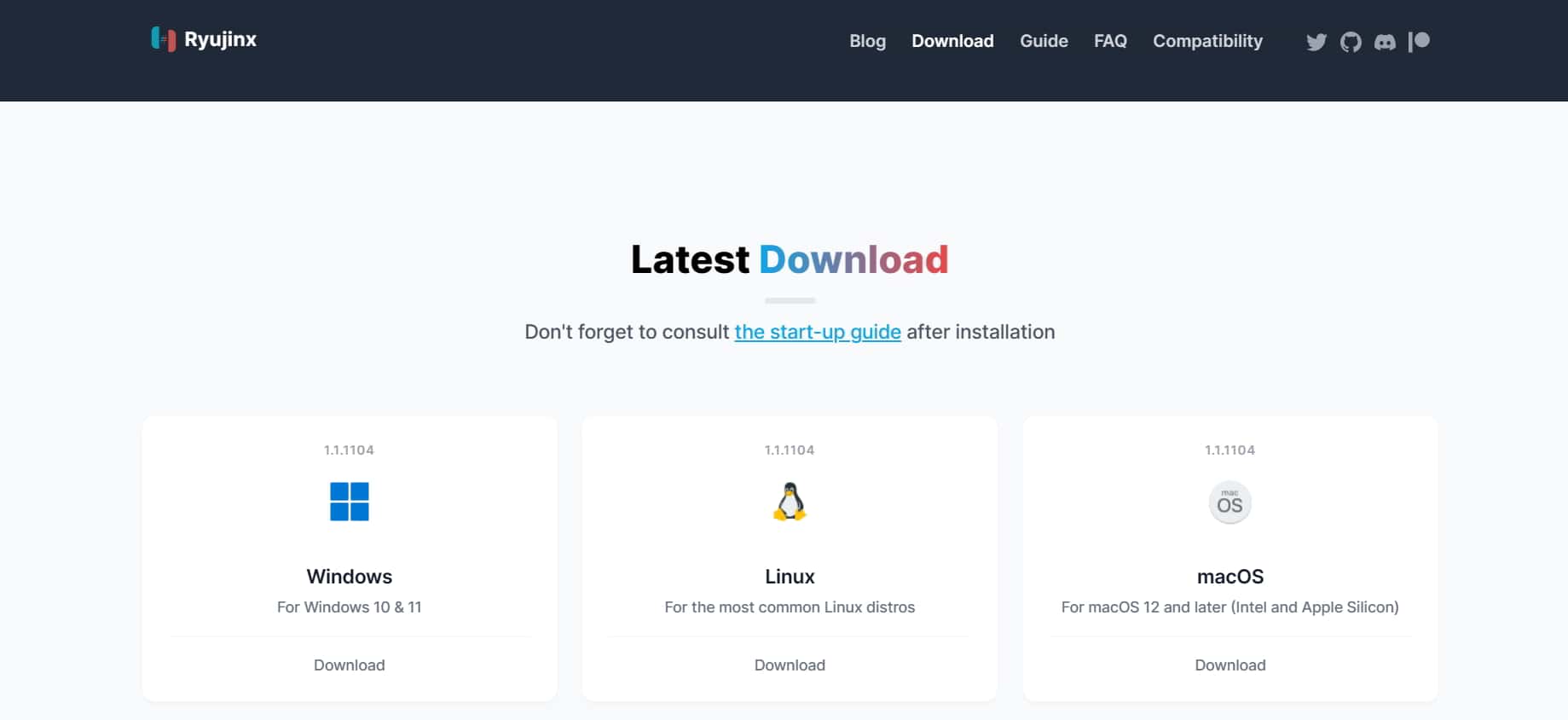
We are here with the ways through which you will be able to play Zelda Tears Of The Kingdom on PC using Ryujinx. The steps are much easier for you to follow, so make sure to follow them properly if you want to play the game without any issues.
- Open the Ryujinx Website .
- Now, click on the Get Started .
- Click on Download for your platform.
- Once downloaded , extract the files.
- After that, start the Ryujinx .
- Now, set up the Ryujinx and wait for its completion.
- You might have to give the keys, so make sure to download it from the internet.
- After that, you can configure the remote controls and players according to your needs.

- Now, import the game or download it.
- After importing the game, you can start playing the game without any issues.
- The game graphics will depend on your system hardware and software optimization.
- So if the game lags, don’t worry about it.
How to Play Zelda Tears Of The Kingdom on PC using Yuzu
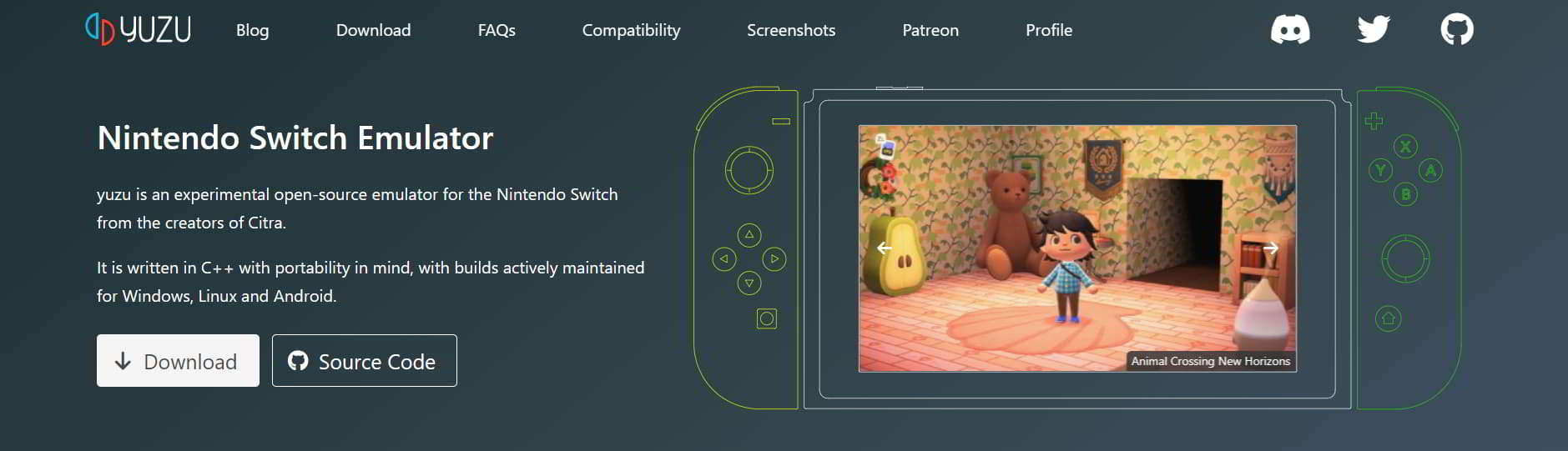
Like the Ryujinx, the Yuzu is another great gaming emulator that is going to make the Zelda Tears Of The Kingdom available to play on PC. Yes, the Yuzu is also being used by a lot of users for playing the game on their PC. We are going to list the steps below, so make sure to check them as it will help you in playing the game without any issues.
- First of all, open the official website of Yuzu .
- Now, click on Download .
- Download the software for your platform.
- Once done, then install the software on your PC.
- You might have to give the keys, so make sure to download it from the internet.
- Once you have given the keys, then download the Zelda Tears Of The Kingdom game files.

- Now, you have to import the game files as it will help in installing the game to the Emulator.
- Once you have done this, then wait till the file is imported properly.
- Now, you can use the game that you have added to play properly without any issues.
There are a lot of users who were looking for a guide to know How to Play Zelda Tears Of The Kingdom on PC using Ryujinx and Yuzu. Both of the emulators are best for your PC to play the game. However, the Yuzu offers graphics enhancement more than the Ryujinx. While the Ryujinx also offers great features to play the game without any lags. We hope this guide was helpful for you.
- How to Play Legend of Zelda Breath of the Wild on PC
- How to Play Zelda on PC 2024: Zelda for PC
- Does Xbox Have Mario Kart 2024: Ultimate Guide
- How to Play Ghost Of Tsushima On PC
- Top 10 Best Nintendo 3DS Emulator for PC or Android
