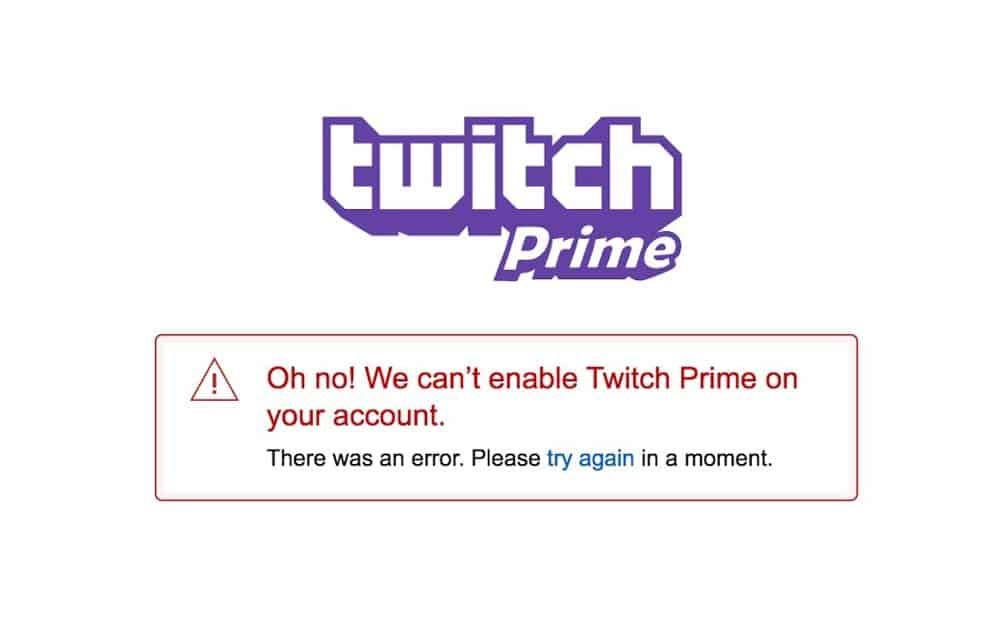
- Many users encounter the “Oh no! We can’t enable Twitch Prime on your account” error message, hindering their ability to stream on Twitch.
- The error may be caused by issues with location, credit card validity, Amazon Prime card information, payment information, or VPN usage.
- Solutions include checking credit card details, cancelling Twitch Prime subscriptions for different regions, disabling VPNs, and ensuring a stable internet connection.
Are you getting the Oh no! We can’t enable Twitch Prime on your account error message while using Twitch prime. If so, then you are not alone, as there are many users who have started reporting that they are getting this type of error message whenever they try to access their Twitch Prime account.
In this troubleshooting article, we’ll show you how to fix if the Twitch Prime account is not working easily . So, let’s get started with the fixes.
Why is the Twitch Prime Account Not Working?
The reason that this error can occur must be understood before we go into the methods of fixing it. Generally, this error has five causes:
- It depends on your location and whether you are using the right Amazon market.
- Your credit card might be invalid (you might have a problem with it)
- You can no longer use your Amazon Prime card information.
- There is a blank field for your preferred method of payment.
- You might use VPNs (virtual private networks).
Fix Oh no! We Can’t Enable Twitch Prime on your Account Error
Although there aren’t many things that you can try in order to resolve this error message on Twitch Prime, we have still tried our best to help you get out of this situation. So, let’s check out the fixes we have mentioned below:
Make Sure You Have Entered the Correct Credit Card Information
Check And Cancel Your Twitch Prime Subscription
In addition to US, Canadian, Mexican, and British users, Twitch users from Austria, Belgium, Holland, Luxembourg, France, Italy, Spain, Singapore, and Japan can also use this solution.
- If you have an incorrect region Prime account, you should first disable auto-renewal membership to avoid double billing.
- To access Amazon Marketplace, you must register in your region. Some Amazon prime regional marketplace links are provided below. Make sure that only your country is selected from the list. US United Kingdom France Italy Germany/Austria/Belgium/Netherlands/Luxembourg Singapore Canada Japan Spain Mexico
- Click on Twitch Prime .
- You now need to select your country’s flag .
- You can enrol in Twitch Prime by clicking on Enable Twitch Prime or Sign Up for Twitch Prime.
- Complete all required login information.
- To claim your Twitch Prime loot, log onto Twitch.TV and click the crown in the top right corner.
This will surely help you get rid of the error message Oh no! We can’t enable Twitch Prime on your account. But, if you find that the error didn’t get resolved, you have to perform the further suggested fix.
Disable VPN
So, you must make sure to disable the VPN service while trying to access the Twitch Prime account. However, if you are not using any VPN and still getting this type of error, we have a few more fixes for you. So, let’s check them out.
Check Your Internet Connection
If the above two fixes do not work for you, then your internet is not working, due to which it cannot connect you to the Twitch Prime servers. So, you must make sure that your device’s internet connection is active.
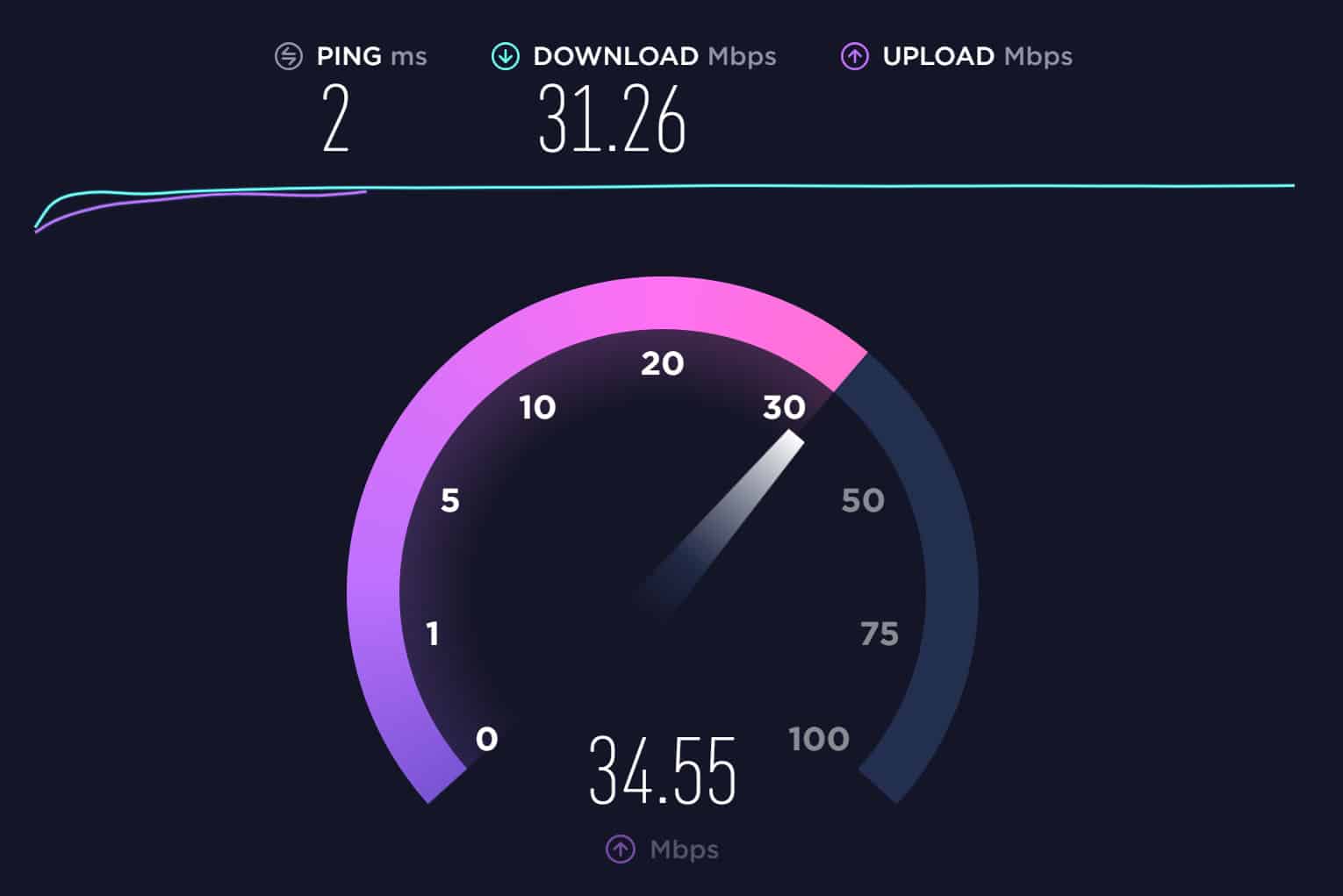
You can also check your device’s internet speed on the Speedtest.net website. However, suppose you find your internet is not working; then try to switch to another one or call your ISP and ask them to resolve it. Meanwhile, once your device’s internet issue gets resolved, you can reaccess your Twitch Prime account.
Sum Up
So, these were some of the potential solutions you could try to fix the error message Oh no! We can’t enable Twitch Prime on your account. We hope that you find this troubleshooting guide helpful. Moreover, please feel free to comment below if you have any doubts or queries.
RELATED GUIDES:
- How To Cancel Twitch Prime Trial Subscription
- How To Fix Amazon Prime Video Error Code 2063
- Raid on Twitch: Step-by-Step Guide to Raid on Twitch
- How To Check Twitch Chat Logs and History
- Enable and Activate Twitch Dark Mode
- How To Fix Twitch Network Error 2000 on Chrome
