- While the Amazon app doesn’t have a dark mode, you can enable it on the web version on your PC using third-party extensions
- Install NightEye browser extension from the official website and select your browser to install
- Once installed, open the Night Eye Icon, select preferred language, and visit Amazon on your PC to view it in dark mode.
- Firstly, you will have to install the NightEye application on the browser you are using. You can download and install the application from https://nighteye.app.
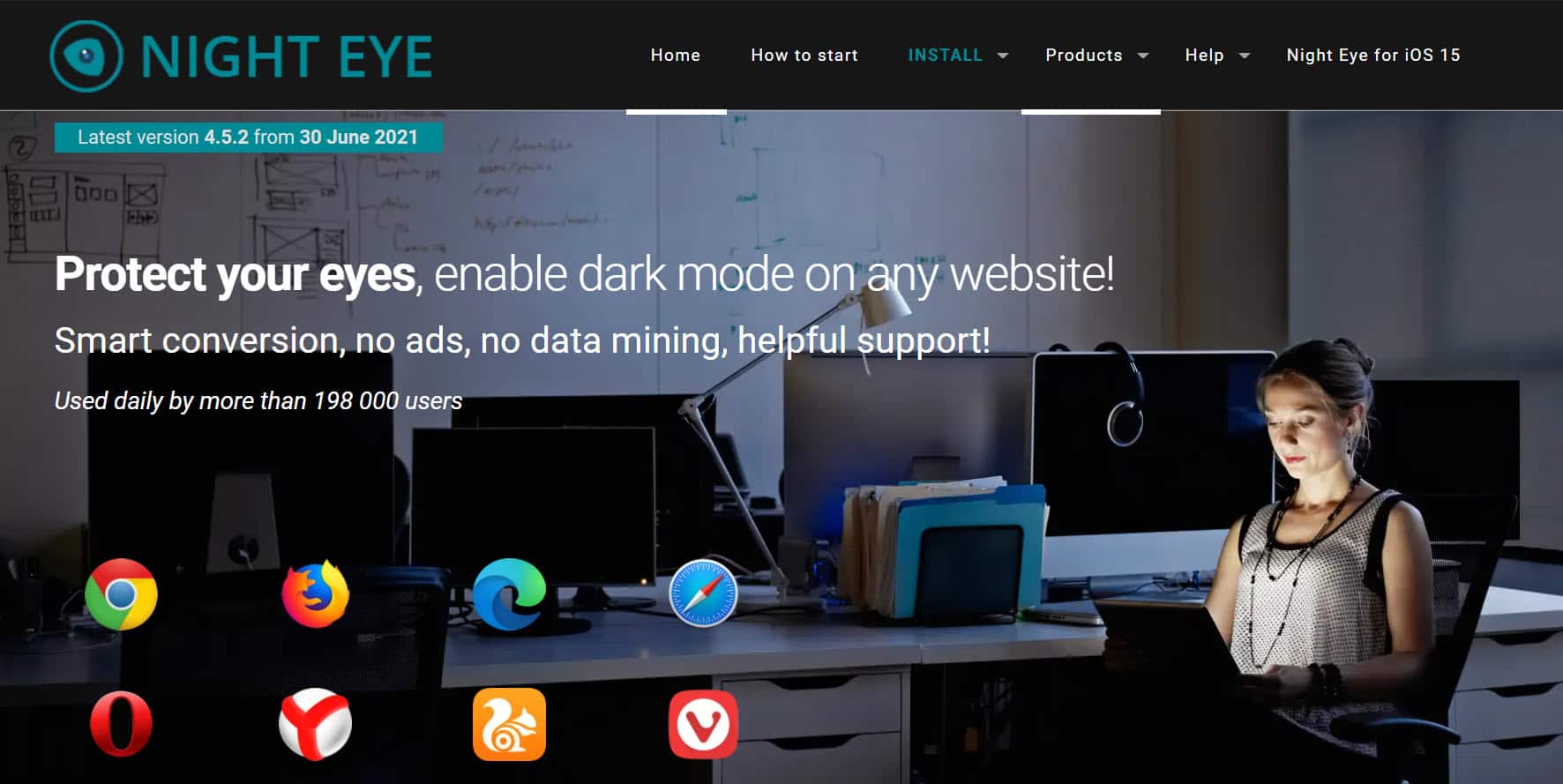
- On the official website of NightEye, click on the Install option on the head menu. Now select the browser you use from the list, and you will be able to install it on your browser.
- Once done, click on the Night Eye Icon to open the extension. This extension icon will appear next to the address bar on your browser.
- Now select the preferred language, and your browser will work in dark mode.
- Now visit Amazon on your PC, and you will see that it is working in dark mode.
RELATED GUIDES:
- How To Turn On Google Docs Dark Mode
- How to Turn On Reddit Dark Mode
- How To Turn On iTunes Dark Mode
