- Amazon offers various services like Amazon Prime, Audible, Kindle, and more beyond online shopping.
- Reasons to delete your Amazon account include controlling spending, removing personal information, and disagreeing with Amazon policies.
- Deleting your Amazon account erases order history, privacy, financial details, and access to affiliated services permanently. Two methods to delete your account: using a direct link or contacting customer support.
1. To control your spending.
2. To remove your Financial Information from the Internet.
Returns and refunds for pending orders. Thus, you must cancel them or wait till they are completed.
Your profile which includes your reviews, discussion posts, and customer images.
Your account history which includes your credit card information, order history, etc.
Method 1: Using Direct Link.
Step 1- Launch a web browser on your device and go to the link given below.
Step 2- Sign in to the account you wish to delete.
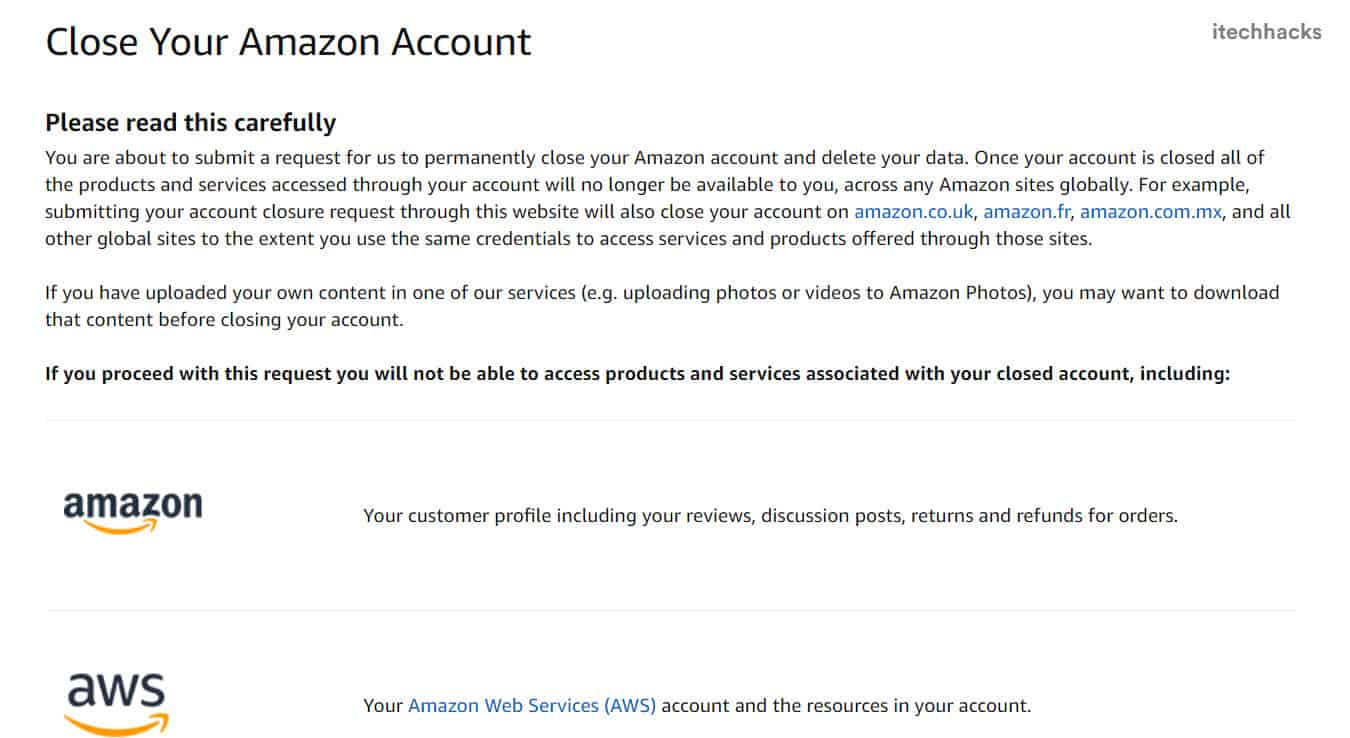
Step 5- Click on the ‘ Close My Account ‘ option to initiate the deletion process.
Step 6- A confirmation link will be sent to your registered email address or via text message on your registered phone number.
You have 5 days to verify your request. Open this link and click on the ‘ Confirm Account Closure ‘ option.

How to Close Amazon Account Permanently Video
Method 2: Using Customer Support.
Step 2- Scroll down to the bottom of your homepage. Here, click on ‘ Help ‘ which you will find in the ‘ Let Us Help You ‘ list.
Step 3- On the new page, click on the ‘ Need More Help? ‘ option which you will find in the ‘ Browse Help Topics ‘ list.
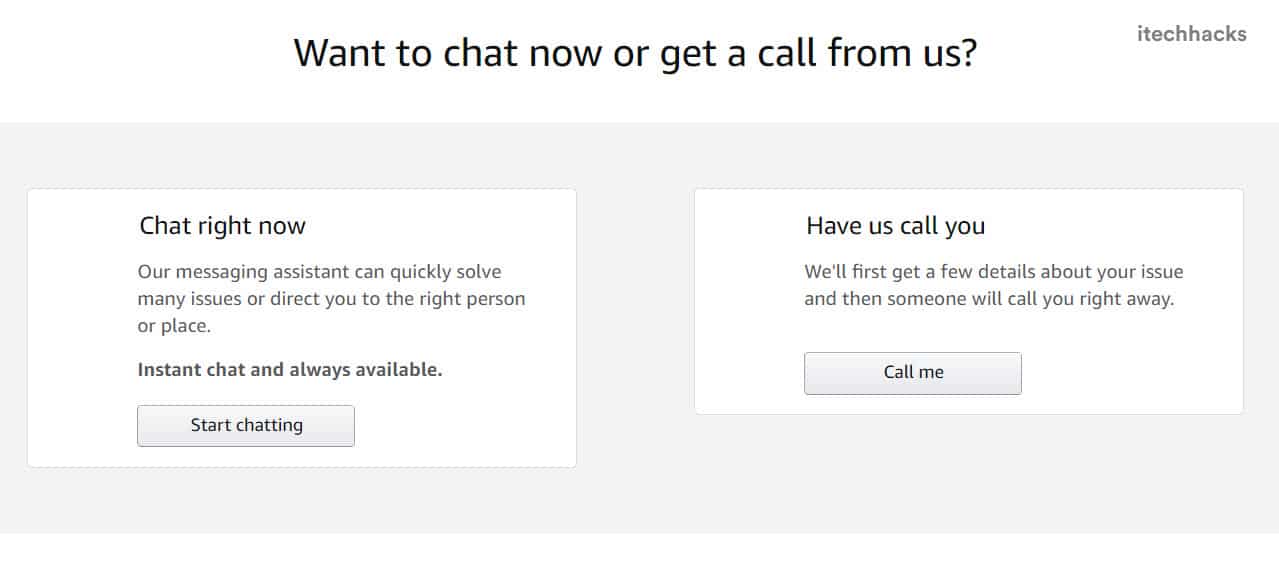
Step 4- A list of options will appear next to the ‘ Browse Help Topics ‘ section. Click on the ‘ Contact Us ‘ option from this list.
Yes. But, all the previous information will be lost and you will have to start fresh.
