- The article discusses the benefits of using a media server like Emby or Plex instead of cable connections for entertainment, offering greater control over content choices.
- A comparison is made between Emby and Plex based on features like cost, compatibility with devices, media libraries, availability of live TV and DVR, user interface, and app availability.
- Both Emby and Plex have unique features, and users can choose the one that best fits their preferences for an enhanced viewing experience.

To avoid these drawbacks, you can make use of a media server instead of a cable connection. There are several media centers that you can choose from. But, Emby and Plex are some of the best media servers available for the people.
Since you cannot have two connections simultaneously, here, we will be discussing the features of Emby and Plex . You can then compare them by yourself and decide which one to go for!
Features of Emby and Plex
Features of Emby and Plex which can be compared are listed below.
1. Cost of Emby and Plex:
The price tag of any product plays a major role in deciding if you are willing to get it or not. Thus, we will be starting off the comparison with their cost.
Plex subscription costs $14.99 for three months, which amounts to $4.99 per month. You can also opt for a lifetime subscription at the cost of $119.99 only.
Emby subscription costs $4.99 for a month, and the lifetime subscription is $119.
You can see that the cost of both the media servers is relatively similar.
2. Compatibility:
Another most important feature which needs to be checked before subscribing to any media center is to check if it is compatible with your device.
Both Emby and Plex support all major desktop operating systems, mobile operating systems, and streaming boxes.
A notable difference is that Plex supports Drobo NAS devices while Emby does not.
3. Media library:
Another important feature is the media library of media centers. Both the media centers provide an extensive library.
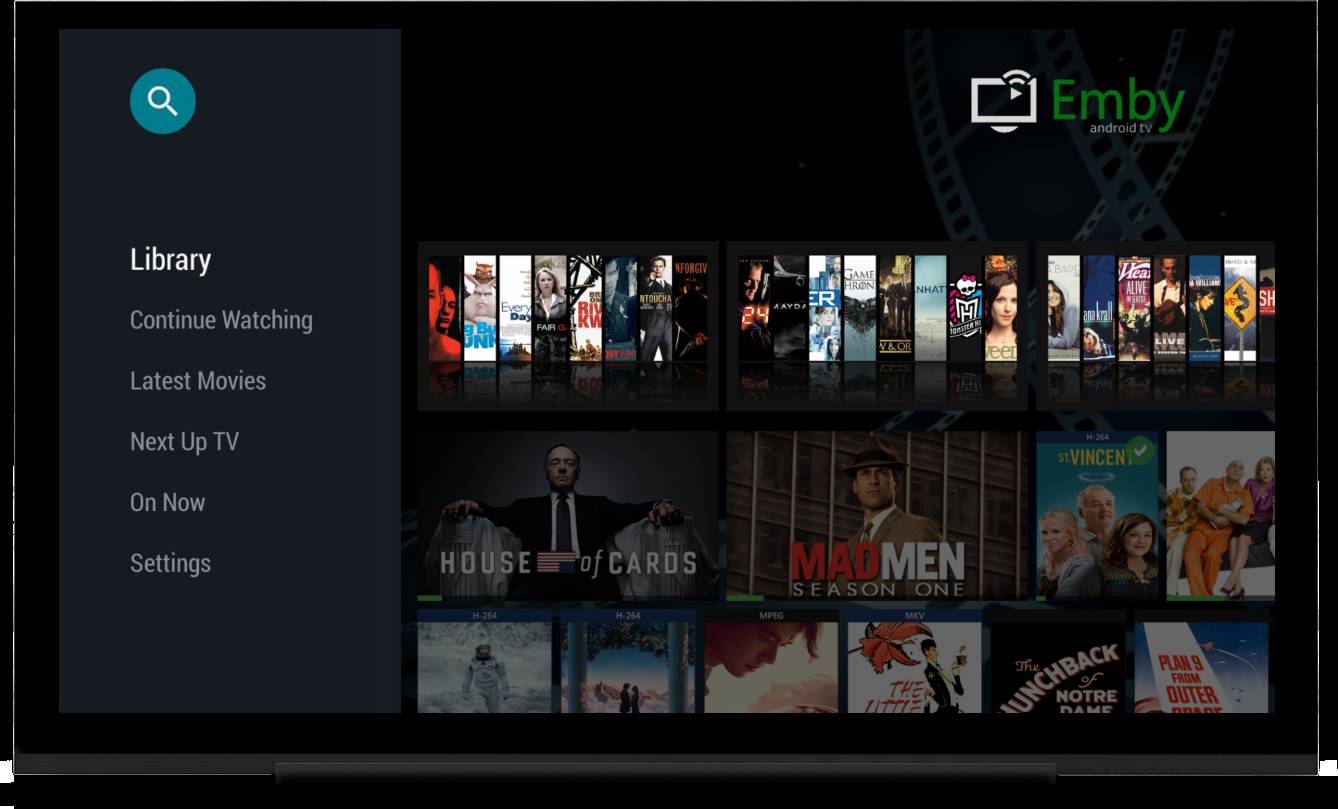
Emby attaches metadata to your files and helps you keep them organized. You can also change the metadata of your files to sort them as per your desire.
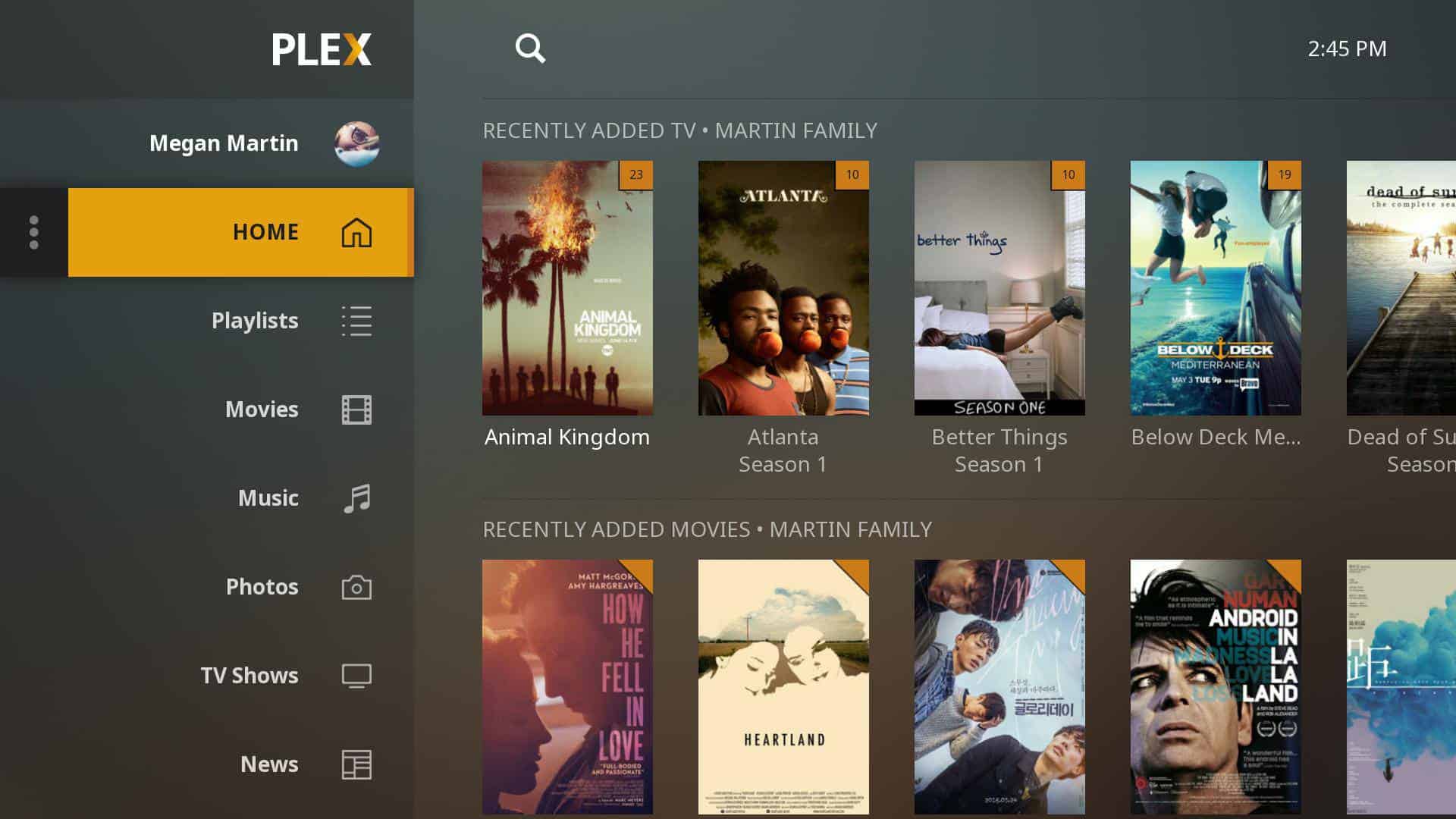
Using Plex, you can set up individual libraries for different types of media. It also attaches metadata to your media. But, you cannot modify it.
4. LIVE TV:
The live TV and DVR feature is available on both Emby as well as Plex. It is available on the free version of Emby, whereas you need a premium subscription to Plex to access it.
Emby only supports the HDHomeRun tuner and Hauppauge devices on Windows, whereas Plex supports HDHomeRun, DVBLogic, AVerMedia, and Hauppauge.
5. User Interface:
The easier the user interface, the easier it is for the users to understand it. Since Plex has been in the market for a longer time than Emby, it has attained an easier user interface than Plex.
Users can easily understand the functionality of Plex while Emby is competitively difficult to use.
Plex App Availability
- Android
- Chromecast
- Android TV
- iOS
- Apple TV
- Roku
- Amazon Fire TV
- TiVo
- Smart TVs
- PlayStation 3 / PlayStation 4
- Xbox 360 / Xbox One
Emby App Availability
- Windows
- Roku
- iOS
- Android
- Android TV
- Amazon Fire TV
- Apple TV
- PS4 / PS3
- Xbox 360 / Xbox One
- Samsung Smart TVs
Q1. Which is better, Plex, or Emby?
Each of these media centers has its unique features. You can check them out and decide for yourself.
Q2. Is Plex illegal?
Q3. Does Roku have Emby?
Yes. Emby is available on Roku. Above, you can check the list of devices on which Emby is available.
Q4. Do I need a VPN to access Plex?
No, using a VPN is not necessary. You can use it in case of slow streaming speed.
